Dear OpenEM community,
At the end of September, OpenEM reached a milestone: the funded project wrapped up, and what began as a research collaboration is now a live service. Data from participating microscopes can go straight into long-term storage, with metadata captured automatically, and come out the other side as a published dataset with a DOI. Around 70 researchers already have accounts.
In this issue: how to log in, a first look at the next release (including direct deposition to EMDB), and how you can help OpenEM grow.
OpenEM is available in production
OpenEM is now part of the production PSI Data Catalog at discovery.psi.ch. Microscope users at participating facilities can archive their data with automatically extracted metadata, keep it in long-term storage, and publish it with a DOI.
Interested in using OpenEM at your microscope? Contact your facility operator to get started. You can find the operators for each facility on the facility contacts page.
Share the OpenEM video
Need to explain OpenEM to colleagues? Our short introductory video explains how data travels from the microscope to the catalogue and on to public repositories.
The video is viewable on the OpenEM homepage and is archived on Zenodo (10.5281/zenodo.23340591), together with an introduction to the PSI Data Catalog. These videos were produced with support from the ETH-ORD Open Educational Resources programme (Measure 3).
Getting started
The openem.ch website has been redesigned to better fit the needs of researchers:
- Getting Started walks through the data journey from microscope to repository and points you to the right guide for your role.
- Explore lists public OpenEM datasets.
The documentation has moved to the PSI Data Catalog documentation portal at data-catalog-services.pages.psi.ch, which is also linked directly from SciCat. The best place to begin is the quickstart guide.
Accounts have been created for around 70 users so far.
- Go to discovery.psi.ch and log in with your institutional account via eduGAIN.
- Open Settings and check your list of groups.
- If you don’t see your lab, contact your facility operator so they can add you.
Coming in the next release
Based on your feedback from usability testing and our user workshops, the following features have been developed and will be available with the next SciCat release:
- Autocompletion of user and facility information, so you type less and make fewer mistakes.
- Tooltips with field definitions: hover over a metadata field to see its OSC-EM description.
- Transfer task list: follow the progress of recent data transfers.
- Deposition in EMDB/PDB: the OneDep deposition API was released by EMBL-EBI in August, and the OpenEM Depositor has been updated to submit depositions directly from SciCat.
EMPIAR: Automated deposition of raw images to EMPIAR is not yet possible pending additional features from EMBL-EBI. Until it does, EMPIAR depositions have to be made manually. You can retrieve your data together with its OSC-EM metadata from SciCat; a guide on exporting data from SciCat to EMPIAR will follow.
Poster for printing and sharing
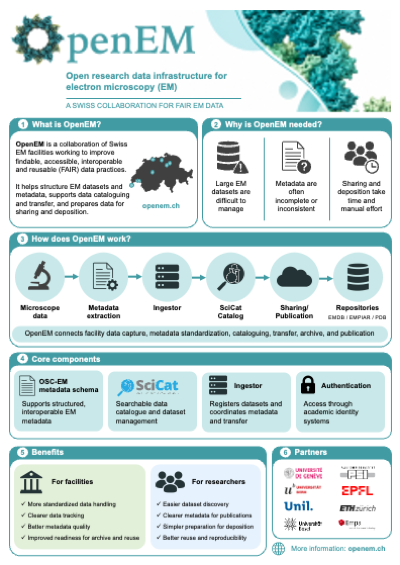
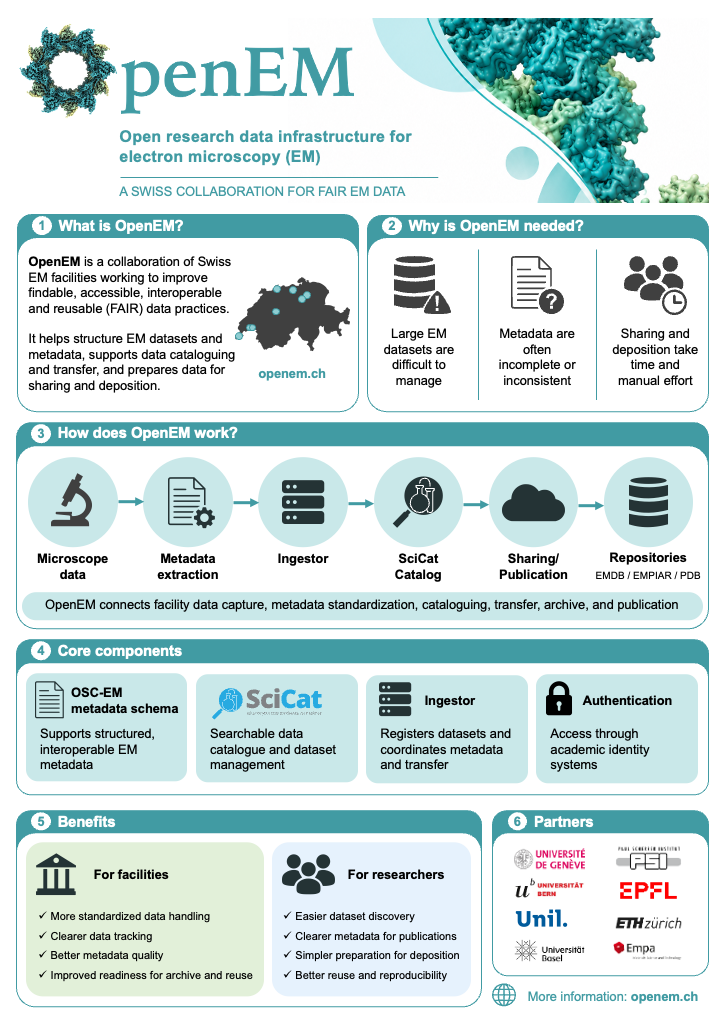
An OpenEM poster is available for your facility, lab or department. Download it as a PDF for printing or as a PNG image, and share it with colleagues who might benefit from OpenEM.
OSC-EM: better metadata definitions
The Open Standards Community for Electron Microscopy (OSC-EM) is improving the descriptions of terms in the metadata schema and adding links to the EM Glossary and the PDBx/mmCIF dictionary. These definitions appear directly in SciCat as tooltips, so every improvement helps users enter better metadata.
How you can help
- Add more datasets. The more data that flows through OpenEM, the more valuable it becomes. Talk to your facility operator about ingesting your next session.
- Publish your datasets. Most of the roughly 40 datasets in OpenEM are still under embargo. Once your data is published, it shows up in the public OpenEM search and gets a citable DOI.
- Contribute to OSC-EM. Join the OSC-EM discussions or the mailing list and help us refine the metadata definitions.
- Report bugs and request features through your facility operator, the
OpenEM support mailing list
(
openem-help@lists.psi.ch), GitHub, or Slack. - Spread the word. Forward this newsletter to colleagues and invite them to join the OpenEM members mailing list.
Thank you to everyone who has tested, ingested, and given feedback so far!
Best regards,
The OpenEM Team